The full-screen message appears while someone is browsing. It claims the computer is infected, locked, or under attack. A phone number is displayed in large type. Sometimes a countdown timer or looping alarm sound increases the pressure. The message often uses the name or logo of Microsoft, Apple, or a well-known security brand.
Many older adults call the number. Once on the phone they are guided toward remote access, payment, or both. The pattern has remained effective for years because it is engineered around predictable human responses rather than deep technical ignorance.
How the Popup Is Built to Work
These warnings are not generated by the operating system or by legitimate antivirus software. They are web pages, often opened in a new browser window or tab that is designed to look like a system alert. Modern versions may play audio, resist normal closing, or use JavaScript tricks to make the page feel locked.
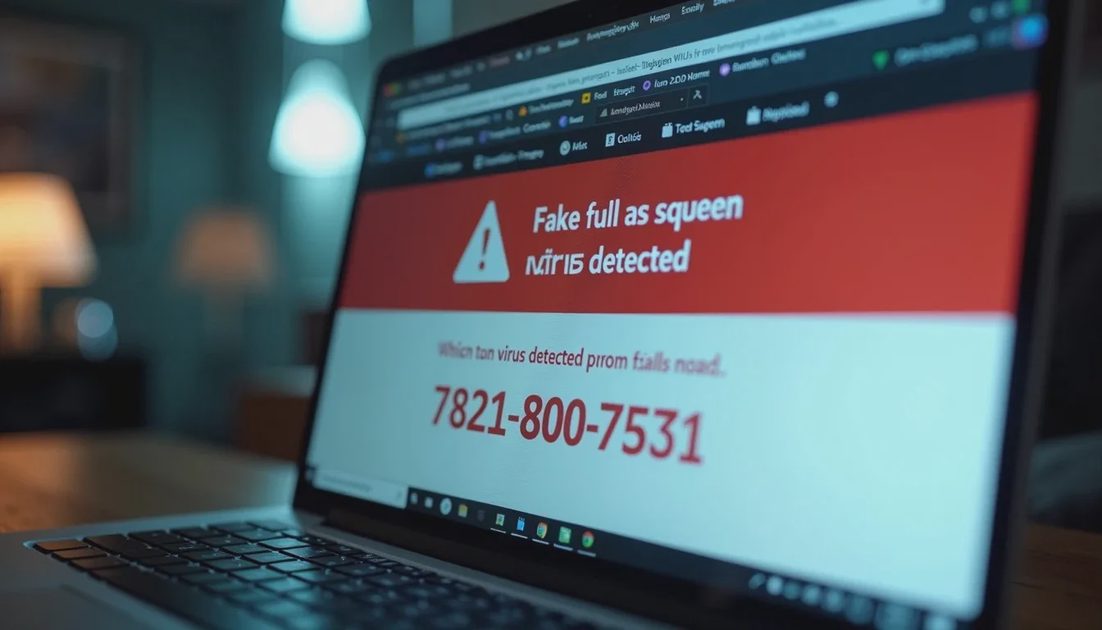
The content follows a consistent script:
Authority: logos or language that mimic Microsoft, Apple, or a security company
Threat: claims of infection, data theft, or imminent lockout
Urgency: timers, warnings not to shut down, or instructions to call immediately
Solution: a phone number presented as the only way to fix the problem
The combination is deliberate. Authority reduces skepticism. Threat creates anxiety. Urgency shortens the time available for second thoughts. The phone number converts the emotional state into an action the scammer controls.
Why the Design Is Effective with Older Adults
Several overlapping factors increase susceptibility.
Unfamiliarity with modern browser behavior. Many people who did not grow up with constant web use have limited experience distinguishing a browser-rendered page from a true system message. A full-screen warning that looks official can feel indistinguishable from a real alert.
Respect for institutional authority. Generations that learned to trust company names and official-looking communications are more likely to accept a message that appears to come from Microsoft or a security vendor. Scammers exploit that residual trust.
Anxiety about technology failure. Computers and smartphones are essential for banking, communication with family, and daily information. The fear of losing access or having personal data stolen is realistic. A message that claims the device is already compromised taps directly into that concern.
Social isolation during the moment of decision. When the popup appears, the person is often alone at the computer. There is no immediate second opinion. The manufactured urgency is designed to produce a call before a family member can be consulted.
Politeness and conflict avoidance. Some older adults find it difficult to simply ignore or close an aggressive message. The popup’s insistence can feel like a problem that must be addressed rather than dismissed.
None of these factors implies a lack of intelligence. They describe ordinary human responses to a carefully constructed stimulus. The same tactics can work on younger adults under sufficient stress or distraction.
What Legitimate Software Does Not Do
Real operating systems and reputable security products do not display full-screen browser popups with phone numbers. Microsoft, Apple, and major antivirus companies do not monitor individual home computers and then interrupt browsing with a call-to-action to an outside support line.
A genuine security alert appears inside the operating system or the security application itself. It does not take over the browser with a countdown and a phone number. Any message that does so is fraudulent by definition.
The Practical Response That Breaks the Script
The safe sequence is simple and does not require technical skill:
Do not call the number on the screen.
Do not click any buttons on the warning page.
Force-close the browser (Task Manager on Windows, Force Quit on Mac) or shut the computer down if necessary.
Reopen the browser later and continue normal use. If the same page reappears, a malware scan or a browser reset may be needed, but the first step remains not engaging with the fake warning.
If remote access or payment already occurred, disconnect from the internet, change important passwords from a different device, and contact banks as needed.
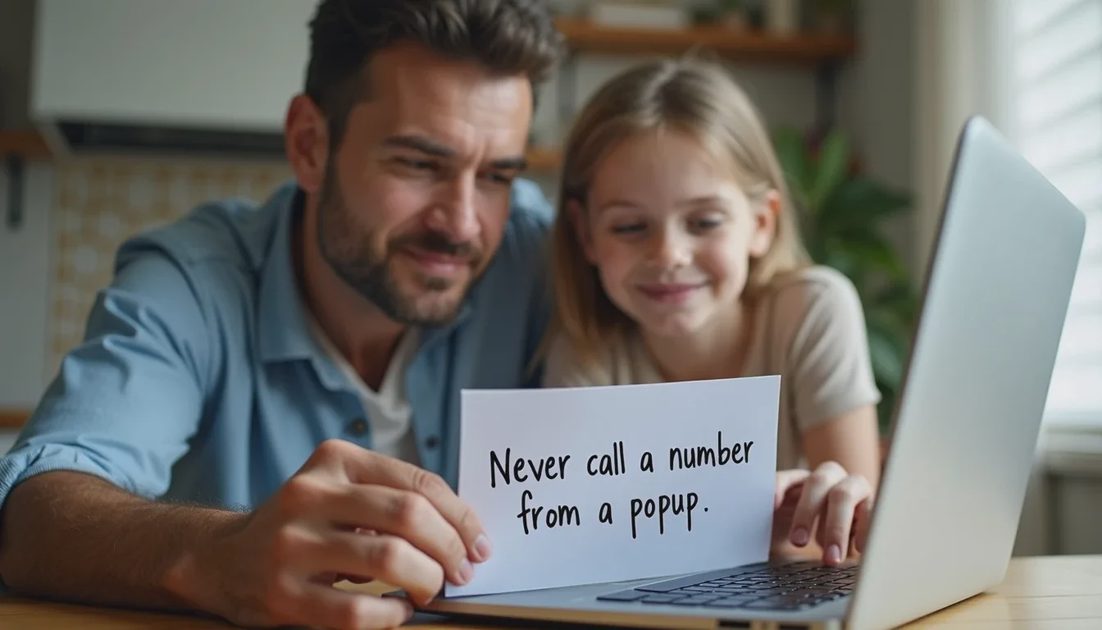
A single written rule posted near the computer helps: “Never call a number that appears in a popup or warning on this screen. Close the browser and call me instead.”
Reducing the Chance of Encounter
Keeping the browser and operating system updated reduces the number of malicious ads and compromised sites that can trigger these pages. A reputable ad blocker or the browser’s built-in protections further lowers exposure. Avoiding random downloads and suspicious email links removes additional entry points.
The most reliable protection, however, remains the moment of decision. When the fake warning appears, the person who already knows the rule—do not call, close the browser, contact a trusted family member—is far less likely to enter the scam’s script.
Fake infection popups work because they are designed around fear, authority, and urgency rather than around sophisticated technical deception. Recognizing the design makes the calm response much easier to execute. That recognition, paired with a clear household rule, prevents most of the damage these scams are built to cause.