
A parent calls and says they clicked a link in an email or text that now looks suspicious. The page asked for a password, a credit-card number, or simply looked wrong after it loaded. The instinct is to panic or to start changing every password on the same computer. Neither reaction helps.
Most phishing clicks do not install sophisticated malware in the first seconds. The real risk begins if information was entered, if a file was downloaded, or if the device stays connected long enough for anything malicious to call home. The response that works is ordered, calm, and focused on containment first.
First Minutes: Contain the Device
If the suspicious page is still open, do not enter any information, do not click further buttons, and do not download anything. Close the tab or force-quit the browser.
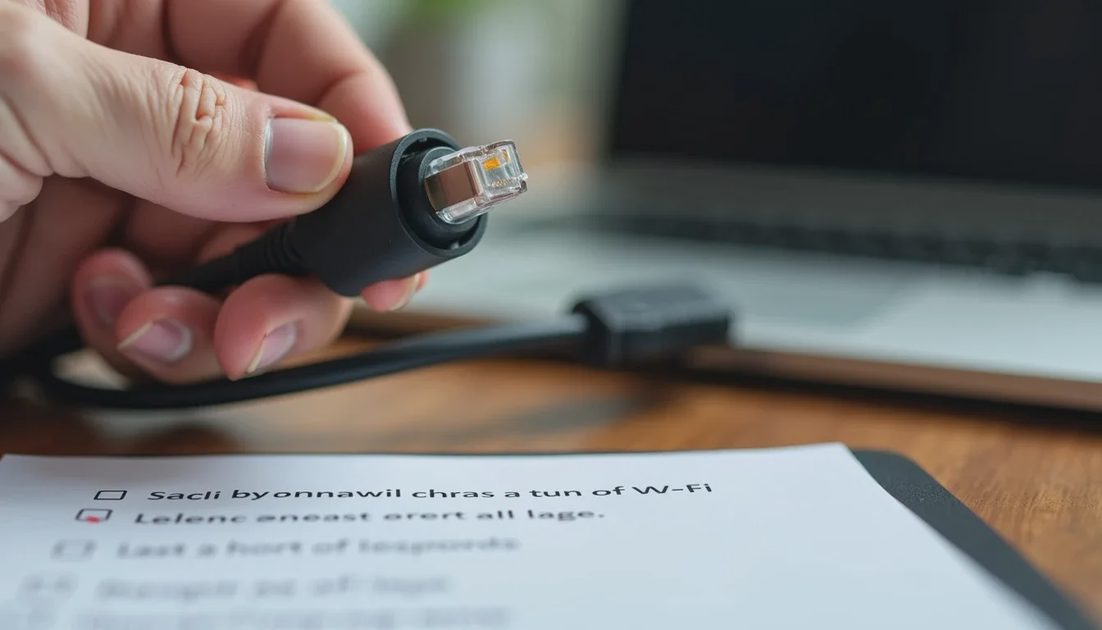
Next, disconnect the device from the internet. On a computer, turn off Wi-Fi or unplug the Ethernet cable. On a phone or tablet, enable airplane mode. This single step stops many forms of malware from communicating with a remote server or spreading to other devices on the home network.
If a file downloaded automatically, leave it alone. Do not open it. A later malware scan can deal with it more safely.
Take a quick screenshot of the page or the original message if it is still visible. The URL and sender details help later if you need to report the incident or explain it to a bank.
If Information Was Entered
The seriousness of the incident depends on what was typed.
Password or account login
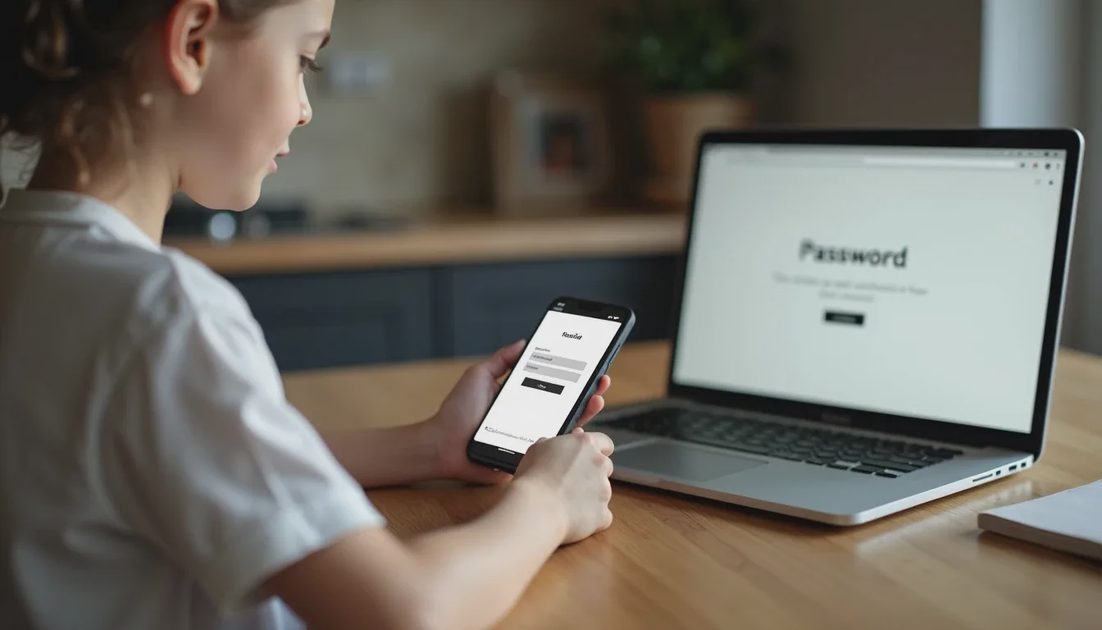
Use a different device—one that did not click the link—to go directly to the real website. Type the address yourself. Do not follow any link from the suspicious message.
Change the password immediately. Choose a new, unique password. Sign out of all other sessions if the site offers that option. Turn on two-factor authentication if it is not already active. An authenticator app is stronger than text-message codes.
If the same password was reused on other important accounts (email, banking, shopping), change those next, starting with email. Email is the recovery path for almost everything else.
Credit-card or bank details
Call the bank or card issuer right away using the number on the back of the card or the official website. Explain that the details may have been entered on a phishing page. Ask them to monitor the account, cancel the card if needed, and advise on next steps. Most issuers can flag or replace a card quickly.
Social Security number or other identity information
Place a fraud alert or, better, a credit freeze with the three major credit bureaus (Equifax, Experian, TransUnion). A freeze is free and prevents most new credit accounts from being opened in that name. Follow the bureau instructions carefully; each has its own process.
Clean and Verify the Original Device
Once the immediate account and financial steps are under way, return to the device that clicked the link.
Reconnect it only long enough to run a full malware scan with the installed antivirus or with Microsoft Defender / the built-in macOS tools. A second opinion scan from a reputable on-demand tool can add confidence. If the scan finds nothing and the device behaves normally, the risk of malware is lower. If anything is detected, or if the device shows strange behavior (new toolbars, unexpected pop-ups, slowdowns), consider taking it to a trusted local technician for a deeper clean or a reset.
Clear the browser’s cache, cookies, and saved site data for the affected browser. This removes any session tokens that might still be useful to an attacker.
Monitor and Report
Watch bank and credit-card statements closely for the next several weeks. Set up transaction alerts if the bank offers them.
Report the phishing attempt. The Federal Trade Commission accepts reports at ReportFraud.ftc.gov. The FBI’s Internet Crime Complaint Center (ic3.gov) is appropriate if money or accounts were compromised. Reporting helps track patterns even when individual recovery is limited.
If the parent feels embarrassed, acknowledge that phishing succeeds against careful people every day. The goal is containment and recovery, not blame.
Longer-Term Hardening
After the immediate incident, a few durable changes reduce the chance of a repeat:
Unique passwords stored in a password manager
Two-factor authentication on email and financial accounts
A habit of typing important web addresses instead of clicking links in unexpected messages
Call-screening or unknown-caller silencing on the parent’s phone
A simple family rule: “If something asks for a password or money and creates urgency, stop and call me first”
These steps are ordinary and effective. They do not require advanced technical skill.
A Realistic Perspective
Clicking a phishing link is not a moral failure and it is not automatically catastrophic. Many incidents end with nothing more than a password change and heightened attention for a few weeks. The difference between a minor scare and a lasting problem is usually the speed and order of the response: disconnect, protect accounts from a clean device, notify financial institutions, then clean and monitor.
Keep the conversation practical. Walk through the steps together if possible. The parent who knows exactly what to do next is far less likely to freeze or to make the situation worse by staying on the compromised device. That preparation is the most useful protection you can give.