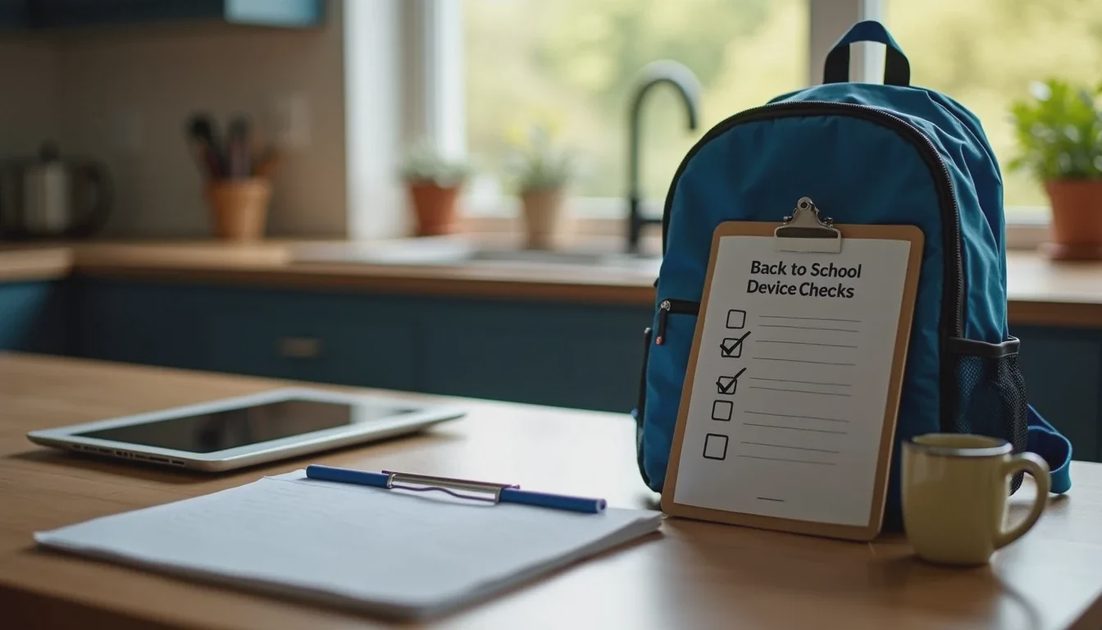
Back-to-school season brings new devices, new accounts, and new routines. It is also one of the easiest times to reset digital habits before the semester becomes busy. A short, focused checklist covers the highest-value protections without requiring hours of technical work.
Use the list as a single weekend project or spread it across a few evenings. The goal is practical readiness, not perfect security.
Device and Account Basics
Update everything.
Install pending operating-system and app updates on student laptops, tablets, and phones. Enable automatic updates where possible so the devices stay current during the year.
Confirm screen locks.
Every device that leaves the house should require a passcode, PIN, or biometric unlock. A lost backpack should not equal open access to email, photos, or school portals.

Create or verify separate accounts.
Students should not use a parent’s primary Apple ID, Google account, or Microsoft account for daily schoolwork. Child or student accounts keep histories, purchases, and permissions appropriately separated and enable better parental controls.
Review saved passwords and payment methods.
Remove any stored cards that are not needed for school purchases. Ensure school-related logins use unique passwords, ideally stored in a family password manager.
Privacy and Permission Check
Limit location, camera, and microphone access.
Open the privacy settings on each student device and review which apps can use location, camera, and microphone. Restrict anything that does not clearly need continuous access.
Check browser and search settings.
Enable available tracking protection or safe-search features. On shared or younger-student devices, consider stronger content filters.
Review installed apps.
Remove games or apps that are no longer used. For remaining apps, confirm age ratings and permission levels still make sense for the student’s age.
Communication and Safety Rules
Talk about phishing and urgent requests.
School-related phishing often impersonates teachers, administrators, or popular platforms. Agree on a simple rule: never click unexpected links or enter passwords because a message creates urgency. When in doubt, the student checks with a parent or contacts the school through a known official channel.
Set expectations for school-issued devices.
If the school provides a laptop or tablet, clarify what is allowed for personal use, whether downloads are permitted, and how the device should be treated at home. School acceptable-use policies are a starting point; household rules can be clearer and more specific.
Establish a reporting path.
Students should know they can tell a parent about uncomfortable messages, strange account behavior, or pressure to share personal information without fear of immediate device confiscation. Early reporting prevents small problems from becoming larger ones.
Household Routines That Support the School Year
Decide charging and overnight locations.
Devices that charge in common areas rather than bedrooms are easier to monitor and less likely to disrupt sleep. A consistent overnight routine also makes it simpler to enforce downtime.
Confirm two-factor authentication on critical accounts.
Email, school portals, and any account tied to grades or communication should have 2FA enabled where available.
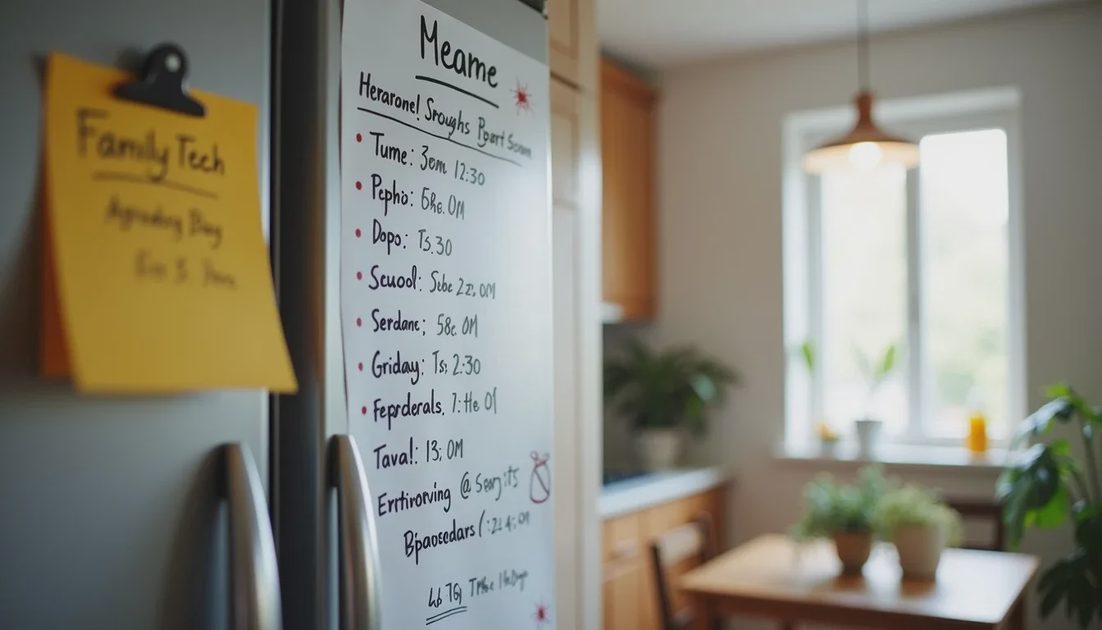
Post a short family tech agreement.
A one-page list of core rules—unique passwords, no sharing of personal details in games or chats, devices out of bedrooms at night, come tell a parent if something feels wrong—serves as a visible reminder. Review it together at the start of the year and adjust as needed.
Quick Reference Checklist
Operating system and key apps updated; automatic updates enabled
Screen lock active on every student device
Separate student/child accounts in use
Unique passwords for school and email accounts; 2FA on critical logins
Location, camera, and microphone permissions reviewed and limited
Unnecessary apps removed; remaining permissions checked
Payment methods reviewed and limited
Family conversation completed on phishing and reporting
Overnight charging location and basic household rules agreed
Short written tech agreement posted where it can be seen
Keeping It Proportionate
Not every family needs every control at maximum strength. A high-school student managing college applications has different needs from an elementary student on a shared tablet. The checklist is a starting framework. Adjust the intensity to the child’s age, the devices in use, and the level of independence already earned.
The most useful outcome is not a perfectly locked-down environment. It is a set of devices that are updated and reasonably configured, accounts that are harder to take over, and a household that has clear, calm expectations for the year ahead. Completing the list once at the start of the school year prevents many of the reactive conversations that otherwise appear in October or November.
A short investment of attention in August or early September pays for itself in fewer surprises later. Use the checklist, keep the conversation practical, and then let the routines run.