VPN ads make it sound as if every household is one click away from being watched. The reality for most American families is simpler. A virtual private network encrypts the traffic between your devices and a remote server. That has real uses. It is not the foundation of household privacy.
The more useful question is what problems you are actually trying to solve and whether a VPN is the best tool for them.
What a Home VPN Does and Does Not Do
A VPN changes the visible path of your internet traffic. Your internet service provider sees an encrypted connection to the VPN company instead of the individual websites you visit. Websites and services see the VPN server’s address instead of your home IP address.
That helps in specific situations:
Using public Wi-Fi in hotels, airports, or coffee shops
Reducing what your ISP can log about your browsing habits
Accessing content that is restricted by geographic location
Adding a layer of protection on networks you do not control
It does not do several things people often assume:
It does not make you anonymous. The VPN provider can still see your traffic volume and destination servers.
It does not replace strong passwords, software updates, or careful clicking.
It does not stop malware, phishing, or account takeovers.
It does not protect data once it reaches the website or app you are using. HTTPS already encrypts most of that traffic.
On a typical home network the risk of a stranger on the same Wi-Fi reading your traffic is low if the router uses a strong password and modern encryption (WPA2 or WPA3). The main privacy tradeoff at home is between you and your internet provider, plus the various companies that track activity across sites.
When Better Habits Cover More Ground
For the majority of household risk, ordinary practices deliver more protection per minute of effort than a VPN.
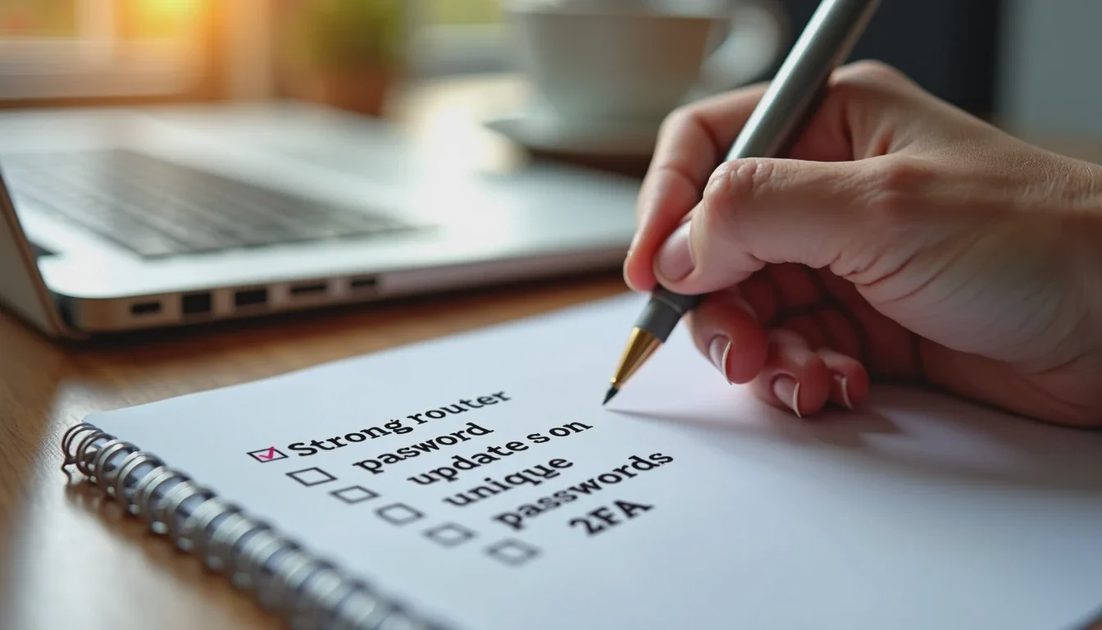
Start with the network itself. Change the default router password. Use a long, unique passphrase. Turn on automatic firmware updates if the router offers them. Create a separate guest network for visitors and smart devices that do not need access to your main computers and phones.
On the devices themselves:
Keep the operating system and browsers updated.
Use a password manager so every important account has a unique password.
Turn on two-factor authentication for email, banking, and shopping accounts.
Prefer sites that use HTTPS (most do now).
Be cautious with browser extensions and free “optimizer” software.
These steps address the problems that actually cost families time and money: account takeovers, reused passwords, outdated software, and phishing. A VPN does not fix any of them.
Many privacy-focused people also reduce tracking by adjusting browser settings, using a reputable tracker blocker, and limiting unnecessary account logins. Those changes work whether or not a VPN is running.
When a VPN Still Makes Sense for a Family
There are clear cases where a paid VPN is worth considering.
Public Wi-Fi remains the strongest everyday use. If family members regularly work or browse on hotel or café networks, a VPN on those devices is a practical precaution.
ISP visibility is a legitimate preference for some households. If you prefer that your provider not have a detailed record of the domains you visit, a VPN moves that visibility to the VPN company. Choose a provider with a clear no-logs policy and a good reputation; free VPNs often monetize data in ways that defeat the purpose.
Streaming or travel needs can also justify it. Families that want access to region-specific content or that travel internationally often find a VPN convenient.
If you decide to use one, install the official app on the devices that need it rather than trying to force every smart TV and gadget through a router-level VPN unless you specifically need that setup. Router-level configuration is possible but adds complexity and can slow the entire network.
A Practical Decision Framework
Ask three questions:
Do household members regularly use networks you do not control (hotels, airports, shared offices)?
Is reducing ISP visibility of browsing activity a priority for your family?
Do you have a specific need such as geo-restricted content or frequent international travel?
If the answers are mostly no, better habits and a well-configured router will cover the majority of realistic risk. You can still keep a reputable VPN subscription for the occasional public-Wi-Fi trip without running it at home all the time.
If the answers are yes, a paid VPN from a known provider becomes a reasonable addition—not a replacement for the basics.
Privacy at home is less about one tool and more about consistent, low-effort practices. Strong router settings, unique passwords, timely updates, and caution with unexpected links or pop-ups prevent more real-world problems than most families will ever solve with a VPN alone. Use the VPN where it clearly helps. Do not let the marketing convince you it is the only thing standing between your household and serious trouble.