10 Best Antivirus Software in 2026: Our Picks for Windows, Mac, Android & iOS
We compared 10 well-known security suites on protection, everyday usability, extras and long-term value, with one question in mind: which one would we actually install on the family computer?
Published Updated 18 reads
Contents · - sections
10antivirus suites compared
4platforms covered
6scoring criteria
2026pricing & plan terms re-checked
In a hurry?
TotalAV is our top antivirus pick for 2026
TotalAV gives you real-time malware protection, a scam-site blocker (WebShield) and handy cleanup tools in one of the easiest dashboards we've used. You can install it on Windows, Mac, Android and iPhone, so the whole household is covered from one account. The one catch is that the first-year price is a promotion and the plan renews at a higher standard rate.
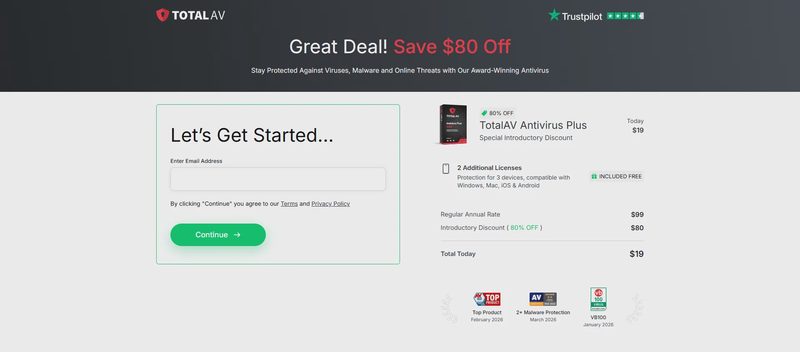
See TotalAV's Current OfferPromotional pricing applies to the first term. Renewal rates apply, so check the terms at checkout.
Picking an antivirus used to be simple: you installed whatever came with the PC and forgot about it. That doesn't work so well in 2026. A family can easily have a Windows laptop, a MacBook, two or three Android phones and an iPad. Most of the threats that reach them are no longer classic viruses either. They're fake delivery texts, cloned bank login pages, booby-trapped downloads and browser extensions that quietly hijack your searches.
So we didn't just ask which scanner catches the most malware. We asked which product a whole household can live with: one that a teenager won't switch off, a grandparent can understand, and the person who pays the bill can predict. Some big names were too complicated to recommend widely. Others were great on Windows but weak on phones. A few looked cheap until renewal.
Below you'll find our ranked list, a full review of each product, a side-by-side comparison table, how we score antivirus software, and practical advice for choosing protection for each operating system.
Quick List: The Best Antivirus Software in 2026
1TotalAVBest overall: easy, all-in-one protection for every family device4.8 / 5
2Norton 360Best for a full security bundle with a built-in firewall4.7 / 5
3BitdefenderBest for light system impact on older PCs4.6 / 5
4McAfee+Best for households with lots of devices4.4 / 5
5ESET Home SecurityBest for tech-savvy users who like to fine-tune4.3 / 5
6Avira PrimeBest for a usable free tier plus tune-up tools4.2 / 5
7Avast OneBest for checking home Wi-Fi and network devices4.1 / 5
8MalwarebytesBest second-opinion scanner and malware cleanup4.0 / 5
9Trend MicroBest for safer online shopping and banking3.9 / 5
10IntegoBest Mac-focused protection3.9 / 5
Editor's Choice 2026
1. TotalAV: Best Overall Antivirus for Most Households
★★★★★4.8 / 5
Best for easy, everyday protection
9.6Protection
9.9Ease of use
9.4Features
9.0Value
TotalAV takes first place because it does the thing most antivirus products struggle with: it makes good security feel simple. Setup takes a few minutes, and the dashboard tells you in plain English whether you're protected and what (if anything) needs attention. Every key tool sits one click away. For a household where only one person is "the tech one," that matters more than an extra settings page.
Under the friendly interface is a well-rounded toolkit. Real-time protection watches files as you download, install and open them. WebShield blocks known phishing and scam websites before they load, which is how most families get caught today. Smart Scan checks for malware, privacy risks and junk files in one pass, and the tune-up tools clear clutter that slows older machines down.
Key security and privacy features
Real-time protectionMonitors downloads, installs and active files continuously, so threats are stopped before they run, not found days later.
WebShieldHelps block phishing and scam websites, which is the main defense against fake bank, parcel and "prize" pages.
Smart ScanA single scan that checks for malware, privacy risks and junk files. Ideal for people who don't want to choose between scan types.
System tune-upCleanup tools that clear clutter and unneeded files to help keep older laptops responsive.
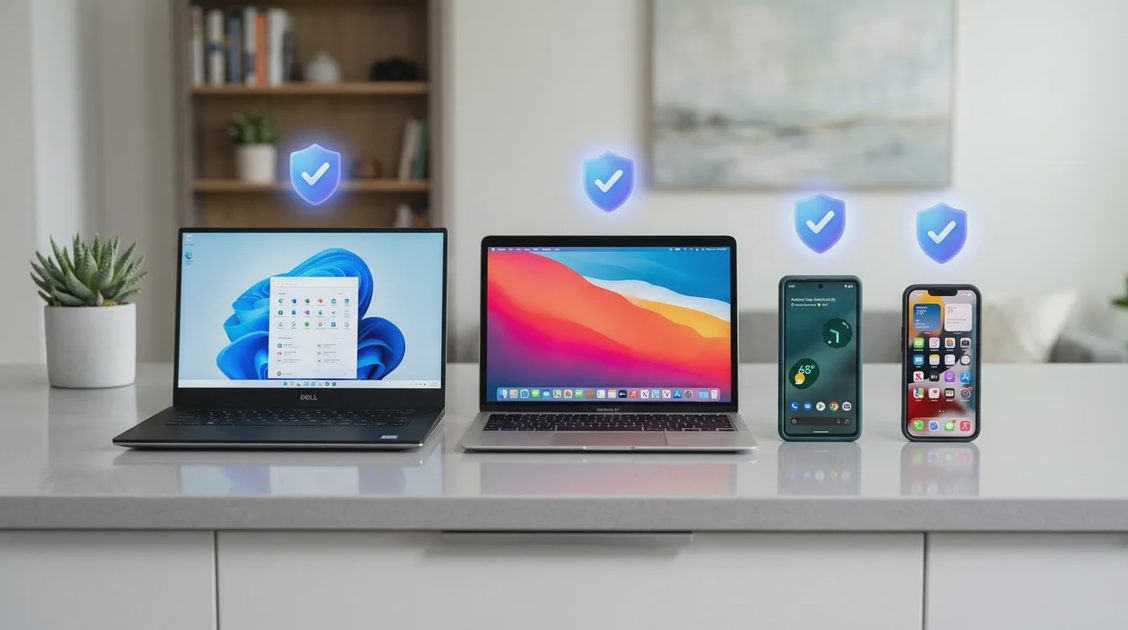
Platform coverage: TotalAV runs on Windows, macOS, Android and iOS. The desktop apps carry the full malware engine. The mobile apps focus on the threats phones actually face, such as dangerous links, data exposure and unsafe networks. That makes it easy to put the whole family on one account rather than juggling several vendors.
What we like
Easy installation and a clean, jargon-free interface
Real-time malware protection plus phishing protection
Useful tune-up and junk-cleaning tools included
Apps for all major desktop and mobile platforms
Attractive first-year pricing
What to consider
Renewal price is noticeably higher than the intro price
Some extras are only included in higher tiers
No traditional firewall (it relies on the OS firewall)
Which TotalAV plan is right for you?
Plan
Best for
Real-time antivirus
Web protection
Extras
Antivirus Pro
Essential protection for one person or a few devices
✓
✓
Plan-specific extras
Internet SecurityPopular
Protection + privacy for a typical family
✓
✓
Additional privacy tools
Total Security
The complete toolkit for larger households
✓
✓
Full set of extras
For most families, Internet Security is the sweet spot: you get the same core protection as every tier plus privacy features, without paying for tools you may never open. Pick Total Security if you want everything in one bill.
Billing note: Promotional pricing usually applies to the first term only. Subscriptions renew automatically at the current standard rate unless you cancel. Confirm the exact amount at checkout and put a reminder in your calendar a week before renewal.
Bottom line: If you want strong everyday protection that the whole family can actually use, TotalAV is the easiest recommendation on this list. Go in knowing how renewal works, and it's excellent value in year one.
TotalAV is the best fit for most homes, but not for every home. Each of the following products wins in a specific situation, and we say who it suits so you can find the right one.
2. Norton 360: Best Full Security Bundle
★★★★★4.7 / 5
Best for "everything included" buyers
Norton 360 is the product to choose if you want one subscription that replaces several. On top of a strong malware engine, higher plans add a smart firewall for Windows, a VPN, a password manager, cloud backup and identity-related monitoring. It's an impressive bundle. The cost is a busier interface and more upsell prompts than TotalAV, which some less technical users find confusing.
Pros
Very broad feature set, including a firewall
Cloud backup on Windows plans
Covers all major platforms
Cons
Interface can feel crowded
Frequent upgrade prompts
Renewal prices are on the high side
Choose it if: you want a firewall, VPN, backup and password manager from a single vendor and don't mind a steeper learning curve.
3. Bitdefender: Best for Light System Impact
★★★★½4.6 / 5
Best for older or slower PCs
Bitdefender has a well-earned reputation for strong detection with very little slowdown. Much of the heavy scanning happens in the cloud. Its "Autopilot" mode makes sensible decisions automatically, and layered ransomware protection guards your documents. The trade-off is that the settings structure is more complex than TotalAV's, and some useful tools are spread across separate apps.
Pros
Light on system resources
Multi-layer ransomware protection
Free basic edition available
Cons
Settings can be hard to navigate
VPN data is capped on most plans
Mac and iOS apps are less complete
Choose it if: performance is your top priority and you're comfortable with a slightly more technical app.
4. McAfee+: Best for Households With Many Devices
★★★★½4.4 / 5
Best for big families
McAfee's strength is scale. Several of its plans cover a generous number of devices, or even unlimited devices, and add identity monitoring and a VPN. That makes it practical for large or multi-generational households. Protection is solid. Our main complaints are that the apps can feel heavy on lower-end machines and that the plan lineup takes some effort to understand.
Pros
Generous device allowances
Identity monitoring features
Web protection across browsers
Cons
Can feel heavy on older hardware
Confusing plan tiers
Big jump at renewal
Choose it if: you need to protect a lot of devices under one subscription.
5. ESET Home Security: Best for Tech-Savvy Users
★★★★4.3 / 5
Best for fine-grained control
ESET is the antivirus that IT people tend to install at home. It's fast and quiet, and it's very configurable, with detailed controls over scanning, device access and network behavior. That flexibility is also why it's ranked lower here. For a family that just wants things to work, the number of options can be more of a burden than a benefit.
Pros
Low resource use
Very configurable
Clear, ad-free interface
Cons
Too many options for beginners
Fewer bundled extras at lower tiers
Choose it if: you want to control exactly how your antivirus behaves.
6. Avira Prime: Best Free Tier Plus Tune-Up Tools
★★★★4.2 / 5
Best for trying before buying
Avira offers one of the more usable free antivirus editions, and its paid Prime tier adds a VPN, a password manager and performance tools. It's a reasonable route if you want to start free and upgrade later. Free users see regular upgrade prompts, though, and the full suite is less cohesive than TotalAV's all-in-one dashboard.
Pros
Decent free version
Optimization tools included
Cons
Frequent upsells on the free plan
Best features locked to Prime
7. Avast One: Best for Checking Home Wi-Fi
★★★★4.1 / 5
Best for home network checks
Avast One packs a free plan with a useful network inspector that flags weak router passwords and vulnerable smart devices on your Wi-Fi. That's a nice bonus in homes full of cameras, TVs and speakers. Paid tiers add more privacy features. As with other free products, you'll see promotions, and some households may prefer a vendor with a simpler approach to data.
Pros
Free plan available
Helpful Wi-Fi / smart-device scan
Cons
Promotional pop-ups
Feature set split across tiers
8. Malwarebytes: Best Second-Opinion Scanner
★★★★4.0 / 5
Best for cleaning an infected device
Malwarebytes is famous for cleaning up computers that are already infected with adware, browser hijackers and potentially unwanted programs. Its free on-demand scanner is a great "second opinion" tool to keep in your back pocket. As a primary, all-day antivirus for a family, its paid plan is lighter on extras than our top picks.
Pros
Excellent at removing adware and PUPs
Free on-demand scanner
Cons
Fewer extras than full suites
Real-time protection is paid only
9. Trend Micro: Best for Safer Shopping & Banking
★★★★3.9 / 5
Best for web threat protection
Trend Micro focuses heavily on the web: it rates links, blocks dangerous sites, and opens banking and shopping pages in a protected browser window. It suits people whose biggest worry is online fraud. However, it can slow down full scans on some machines, and its apps are less polished than TotalAV's.
Pros
Strong web and link protection
Protected browser for payments
Cons
Full scans can be slow
Dated-looking interface
10. Intego: Best Mac-Focused Protection
★★★★3.9 / 5
Best for Apple-only homes
Intego built its reputation on the Mac. Its VirusBarrier scanner and NetBarrier two-way firewall feel native to macOS, and it adds Mac cleanup and backup tools. If every device in your home is a Mac, it's a credible specialist. If you have a mix of Windows and Android devices, a cross-platform suite like TotalAV is easier to manage.
Pros
Designed specifically for macOS
Includes a two-way firewall
Cons
Limited value for mixed-OS homes
Fewer mobile features
Side-by-Side Comparison Table
Use this table to narrow down your shortlist. Plans and features change often and can vary by region, so double-check details on each provider's site before buying.
Antivirus
Our score
Best for
Platforms
Free option
Built-in firewall
Ease of use
TotalAV
4.8
Easy all-in-one family protection
Win, Mac, Android, iOS
Free scanner
✗
Excellent
Norton 360
4.7
Full security bundle
Win, Mac, Android, iOS
✗
✓
Good
Bitdefender
4.6
Light system impact
Win, Mac, Android, iOS
✓
✓ (higher tiers)
Good
McAfee+
4.4
Many devices
Win, Mac, Android, iOS
✗
✓
Good
ESET
4.3
Tech-savvy users
Win, Mac, Android
✗
✓
Fair
Avira Prime
4.2
Free tier + tune-up
Win, Mac, Android, iOS
✓
✗
Good
Avast One
4.1
Home Wi-Fi checks
Win, Mac, Android, iOS
✓
✓ (paid)
Good
Malwarebytes
4.0
Malware cleanup
Win, Mac, Android, iOS
✓ (on-demand)
✗
Very good
Trend Micro
3.9
Shopping & banking
Win, Mac, Android, iOS
✗
✗
Fair
Intego
3.9
Mac-only homes
Mac (+ Windows)
✗
✓
Good
How We Score Antivirus Software
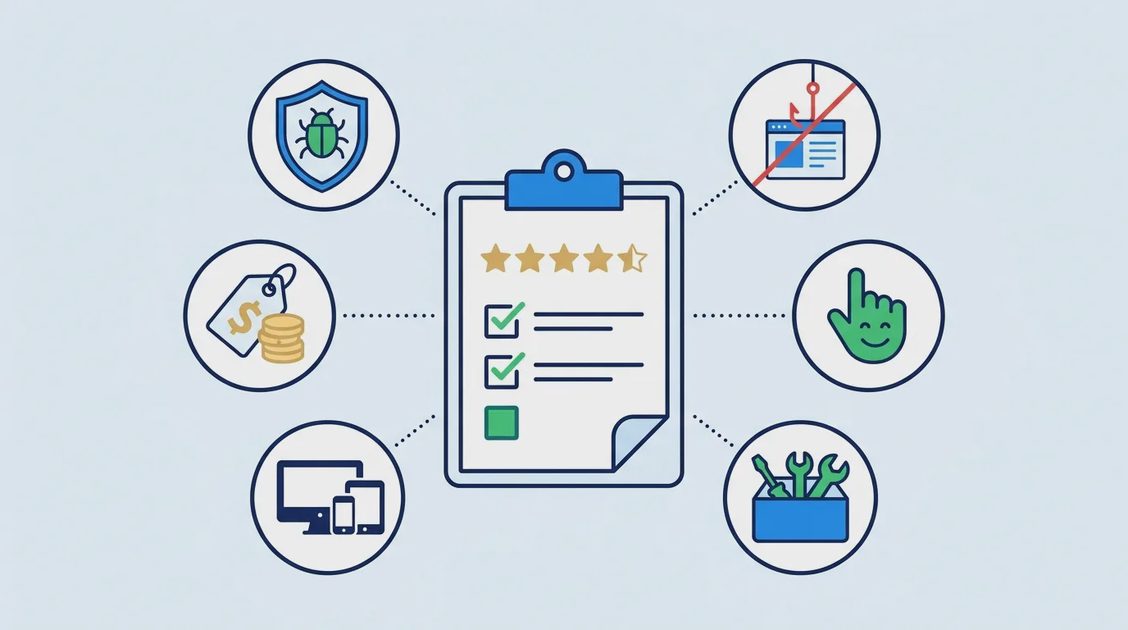
This is an independent editorial review, not a laboratory certification. We combine hands-on use of each app with publicly available independent lab results and each vendor's published plan and billing terms. Every product is scored on the same six criteria:
Criterion
Weight
What we look at
Malware protection
30%
Real-time blocking, scan depth, ransomware defenses, and how the product performs in recognized independent lab tests
Web & scam protection
20%
Phishing and fraudulent-site blocking, download checks, browser coverage
Ease of use
20%
Install time, clarity of the dashboard, whether a non-technical family member can understand alerts
Quality of Windows, Mac, Android and iOS apps, and how easy it is to manage several devices
Value & billing transparency
10%
Intro vs renewal price, refund policy, auto-renew clarity, number of devices per plan
We re-check pricing and plan structure whenever we update this page. Products that hide renewal terms or push aggressive upsells lose points under value, even if their protection is strong.
How to Choose the Best Antivirus for Your Operating System
Every platform faces different risks, so "the best antivirus" depends partly on which devices you're protecting.
Windows
Windows is still the biggest target for malware and ransomware. Look for strong real-time protection, ransomware safeguards and web filtering. Microsoft Defender gives you a baseline, but a suite like TotalAV adds scam-site blocking, cleanup tools and one dashboard for all your other devices.
macOS
Macs get less malware than PCs, but adware, fake updaters and phishing are common and growing. A good Mac antivirus should be lightweight, scan downloads and block malicious websites. TotalAV and Intego both have native Mac apps. TotalAV is the better choice if the family also uses Windows or Android.
Android
Android's open app ecosystem means malicious apps, fake "cleaner" tools and dodgy APKs are a real risk. Choose an app that scans newly installed apps and blocks phishing links in your browser and messages. Be wary of free Android "antivirus" apps from unknown developers, since some are the threat themselves.
iOS / iPadOS
Apple's sandboxing means iPhone security apps can't scan other apps the way desktop antivirus does. Instead they focus on phishing and scam links, unsafe Wi-Fi, data breach alerts and privacy, which are the threats iPhone owners actually face.
Quick Guide: Getting Started With Your Antivirus in 10 Minutes
Remove old security software first. Running two real-time antivirus engines at once can cause conflicts and slowdowns. Uninstall expired trials before installing a new one.
Download only from the official site or app store. Fake antivirus installers are a classic malware trick. Use the provider's own link.
Run a full scan right away. Your first scan sets a clean baseline. With TotalAV, a single Smart Scan covers malware, privacy risks and junk files.
Turn on web protection in every browser. Make sure tools like WebShield are enabled in Chrome, Edge, Safari or Firefox, wherever your family actually browses.
Add every family device to your account. Install the app on phones and tablets too. Most attacks start with a text or an email link, not a PC download.
Set a renewal reminder. Note your renewal date and decide ahead of time whether to keep, change plans or cancel.
Built-In vs Third-Party Antivirus: Which Is Better?
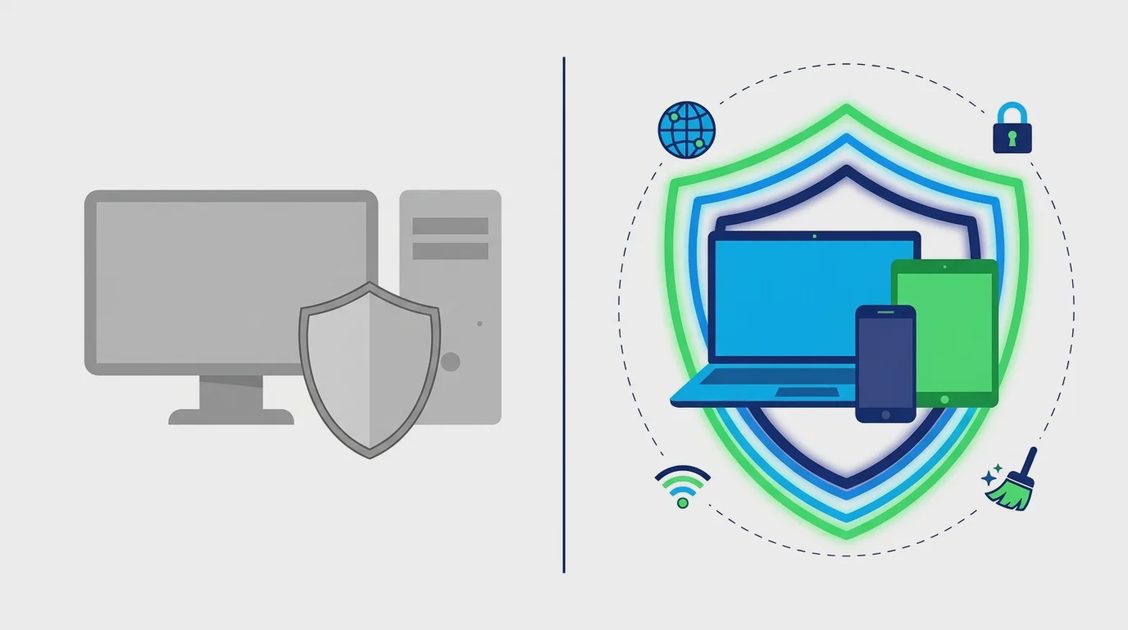
Windows ships with Microsoft Defender, and macOS has XProtect and Gatekeeper. They're far better than they used to be, and they're much better than nothing. So why pay for antivirus?
Built-in (Defender / XProtect)
Third-party suite (e.g. TotalAV)
Cost
Free with the OS
Paid subscription (intro offers common)
Malware protection
Good baseline
Good to excellent, with extra layers
Phishing / scam sites
Strongest in the vendor's own browser
Browser extensions and web filtering across browsers
Covers phones & other OSes
✗
✓ One account for all devices
Cleanup / tune-up tools
Basic
✓ Included
Privacy extras (VPN, etc.)
✗
Depends on plan
Support
General OS support
Dedicated product support
Our take: a single, careful adult on one Windows PC can manage with Defender. But once you're protecting several people across several kinds of devices, especially children or older relatives who are prime scam targets, a cross-platform suite pays for itself in peace of mind.
What Threats Can an Antivirus Protect You Against?
Viruses and worms: malicious code that spreads between files and devices.
Ransomware: locks or encrypts your photos and documents, then demands payment.
Phishing and scam websites: fake login, delivery and "you've won" pages built to steal passwords and card details.
Spyware and keyloggers: secretly record what you type and do.
Trojans: malware disguised as a useful app, game mod or "free" software.
Adware and browser hijackers: flood you with ads and redirect your searches.
Malicious mobile apps: fake utilities that steal data or rack up charges.
No antivirus can stop every trick on its own. Combine it with software updates, unique passwords (ideally in a password manager) and two-factor authentication for the strongest protection.
Frequently Asked Questions
What is the best antivirus software in 2026?
For most households, TotalAV is our top pick. It combines real-time malware protection, phishing protection and cleanup tools in an interface that everyone in the family can use, on Windows, Mac, Android and iOS. Norton 360 is a great alternative if you want a built-in firewall and backup, and Bitdefender is ideal if system speed is your top concern.
Is TotalAV a legitimate antivirus?
Yes. TotalAV is a commercial antivirus product available on all major desktop and mobile platforms, offering real-time protection, web protection and system tools.
Is Windows Defender enough in 2026?
Microsoft Defender is a solid baseline for one careful user on one Windows PC. It doesn't cover your phones or other operating systems, and it offers fewer extras like cross-browser scam blocking and cleanup tools. Families with several devices usually benefit from a third-party suite.
Do I need antivirus on my iPhone or iPad?
iPhones don't need traditional file scanning, because iOS apps are sandboxed. iOS security apps are still useful for blocking phishing links, warning about unsafe Wi-Fi and alerting you to data breaches.
Is free antivirus good enough?
Free antivirus can catch common malware, but free tiers usually leave out real-time protection, web protection or customer support. TotalAV, for example, advertises a free scanner, but real-time protection and advanced features require a paid plan. If you shop, bank or let kids use the device, paid protection is worth it.
Does TotalAV renew automatically?
Yes. TotalAV states that subscriptions renew automatically at the current standard rate unless canceled. Check the exact renewal terms at checkout and set yourself a reminder before the renewal date.
Can I use two antivirus programs at the same time?
Don't run two real-time antivirus engines at once, because they can conflict and slow your device down. It's fine to keep a single on-demand scanner (such as Malwarebytes Free) alongside your main antivirus for an occasional second opinion.
Will antivirus slow down my computer?
Modern antivirus has a small impact on most computers. Some suites, including TotalAV, include cleanup tools that can actually make an older, cluttered machine feel faster.
Final Verdict: TotalAV Is the Best Antivirus for Most Homes in 2026
Every product in our top 10 offers real protection, but TotalAV gets the balance right for everyday families.
Visit TotalAVReview current plans and subscription terms on the provider's website.