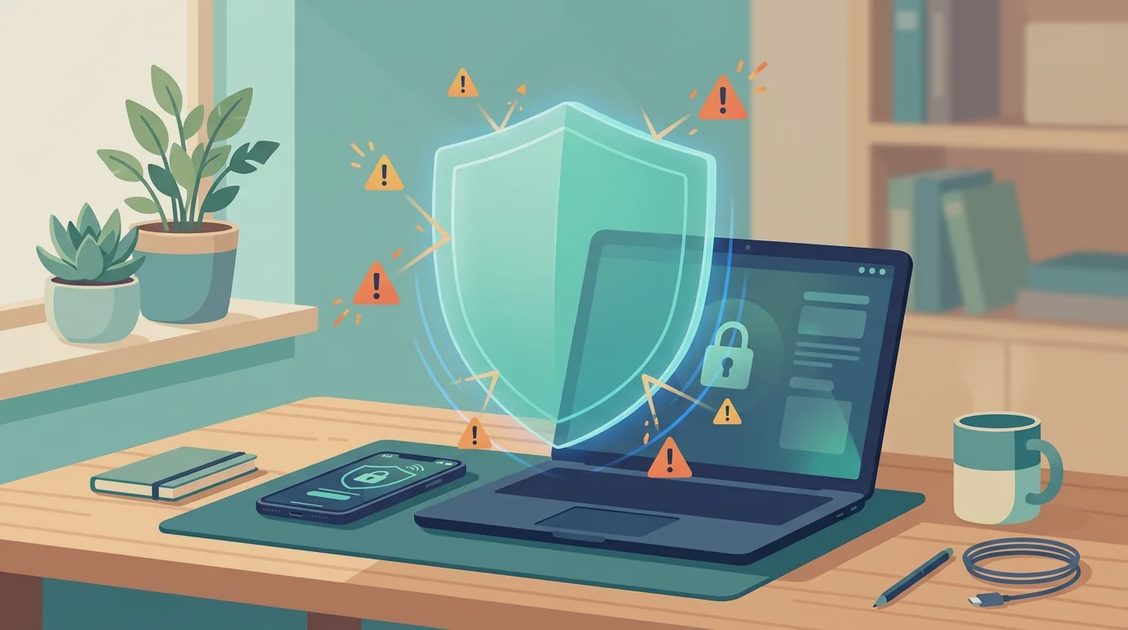
A porn proxy is a website or online service designed to route browsing through another server, often to hide the destination from a local network or bypass a filter. For a parent managing a shared laptop, phone, or home Wi-Fi plan, the important issue is not curiosity about the technology. It is the added privacy, malware, and supervision risk that can arrive with one click.
My practical advice is simple: do not treat a porn proxy as a harmless privacy tool. These services are frequently built around aggressive advertising, questionable tracking, fake download buttons, and redirects. A household can improve online safety without spying on every conversation or turning the home into a locked-down computer lab.
Quick answer: Is a porn proxy safe? No. The proxy operator can see what passes through it, controls the ads and scripts on every page, and often exposes visitors to fake virus alerts and malicious downloads. A porn proxy does not make you anonymous and does not protect your device.
What a porn proxy actually does
A normal browser connects to a website through your internet service provider and the website can usually see your device's public IP address. A proxy acts as an intermediary. The browser sends a request to the proxy, and the proxy fetches content from another site. Depending on the service, this can make the destination less visible to a school filter, workplace network, or basic home router log.
That sounds private, but a porn proxy operator may be able to see browsing requests, device information, cookies, or other technical details. The operator can also choose which advertisements, scripts, and redirects appear on the page. A proxy does not automatically encrypt every part of a person's online activity, and it does not make a device anonymous.
Some services also use the word proxy as a marketing label for a mirror site, an unblocker, or a browser-based relay. The name alone tells you very little about security. A free porn proxy has a business model, and that model may depend on advertising, tracking, data collection, or pushing visitors toward paid services.
Interest in these sites has grown as more U.S. states require adult websites to verify visitors' ages, and as schools and home routers block more categories of content. That means the person searching for a proxy in your home may be a teenager, an adult, or a guest using your Wi-Fi.
Why these sites create family risks
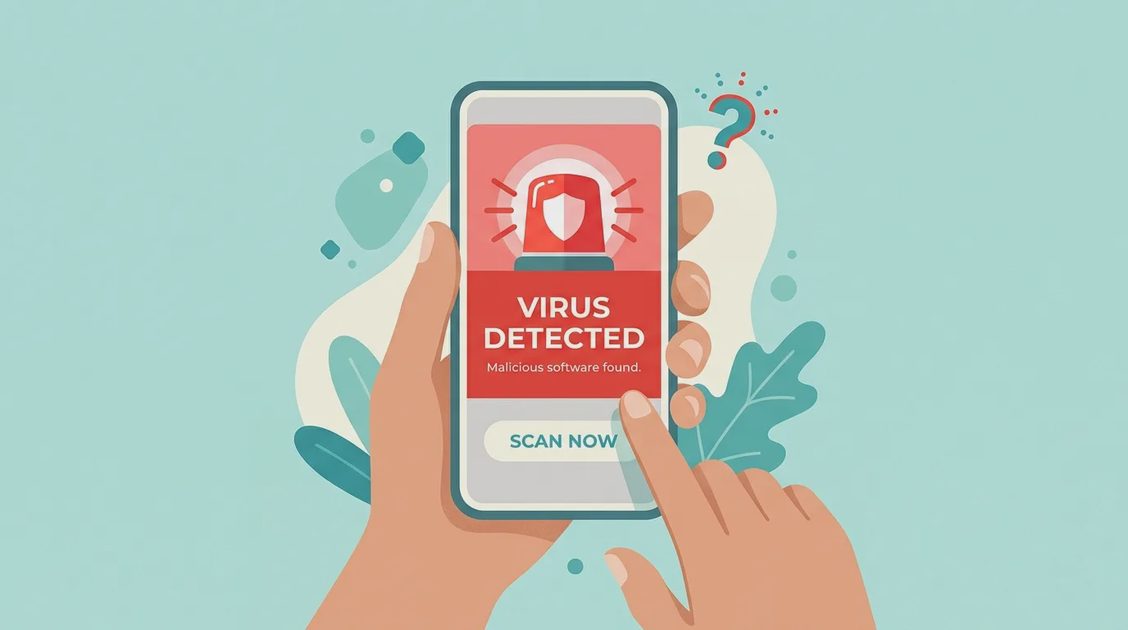
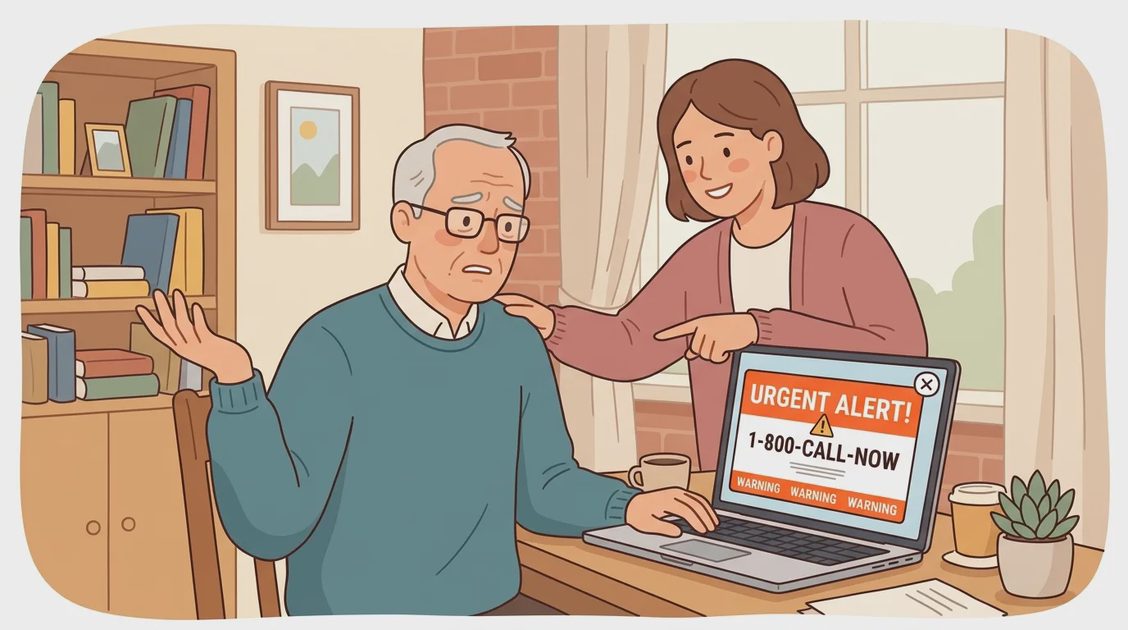
The first danger is malvertising. A page can show an advertisement that leads to a fake virus warning, a bogus browser update, or a download carrying unwanted software. A tired teenager might click quickly, while an older adult may believe a full-screen alert claiming that the device needs immediate repair. The result can be stolen passwords, unwanted extensions, or a costly support scam.
The second danger is credential theft. A porn proxy may imitate a familiar search page or ask a visitor to install a special player, browser add-on, or verification app. Those requests are warning signs. Legitimate browsing rarely requires a random site to disable security settings or install an unfamiliar program.
The third danger is privacy loss. A service that promises private browsing can still collect IP addresses, timestamps, device details, and click history. If a user enters an email address, payment card, or password, the exposure becomes more serious. Private mode in a browser only prevents some local history from being saved; it does not make a porn proxy trustworthy.
The fourth danger is the tech support scam. Some pop-ups lock the browser in full screen, play an alarm sound, and show a phone number for "Microsoft" or "Apple Support." The person who answers asks for remote access to the computer, then demands payment or gift cards to fix a problem that never existed.
The fifth danger can arrive days later by email. Some people receive messages claiming the sender hacked their webcam and recorded them, along with a demand for cryptocurrency. These emails are almost always mass-sent bluffs, sometimes including an old password from a past data breach to look convincing. Do not reply or pay; change the password mentioned and report the email at ic3.gov.

How to protect shared devices
Start with the basics. Keep Windows, macOS, iOS, Android, browsers, and security software updated. Turn on automatic updates where practical, and remove browser extensions that nobody recognizes. Review the browser's notification permissions because shady pages often persuade visitors to allow alerts that later resemble system warnings.
Next, use separate accounts. Children should not use an administrator account on a family computer. A standard account limits what a downloaded program can change and makes accidental installations less damaging. Adults helping a parent can create a separate account with a strong password, then save recovery information in a password manager rather than on a sticky note beside the monitor.
A reputable DNS filtering service or family safety product can block known adult, scam, and malware domains before a page loads. Services such as Cloudflare 1.1.1.1 for Families, NextDNS, or Circle take different approaches, so compare the controls and privacy terms instead of buying the first product in an advertisement. Many filters also let you block the "proxy and anonymizer" category, which stops a large share of porn proxy sites. Filtering is useful, but it is not a replacement for updates and conversation.
Filtering only catches sites that are already known, and new proxy sites appear constantly. That is why security software with real-time web protection matters. Look for a product that scans downloads as they arrive, blocks phishing and scam pages, and warns before a malicious file runs. This is the layer that protects the device when someone clicks a fake player or a pop-up that no block list has seen yet.

What to do after a suspicious visit
If someone used a porn proxy and only viewed a page, do not panic. Close the tab, clear questionable notification permissions, and run a security scan from the device's built-in protection or a reputable antivirus product. Check installed extensions, applications, and browser downloads for anything added around the same time.
If a full-screen pop-up will not close, do not click anything inside it, including "Close" or "Cancel." Force-quit the browser instead: press Ctrl+Alt+Delete on Windows, Cmd+Option+Esc on a Mac, or swipe the browser app closed on a phone.
If a file was downloaded, do not open it just to see what it contains. Delete it or have a trusted technician inspect it. If a password was entered, change that password from a clean device and enable multifactor authentication. Review recent account activity, especially for email, banking, shopping, and social media accounts.
A visit involving a credit card deserves extra attention. Contact the card issuer through the number on the card, not through a pop-up. Watch statements for unfamiliar charges. If a device shows repeated pop-ups, browser changes, or unknown software after the visit, disconnect it from the network until it has been checked.
Warning signs a device may be affected:
Pop-ups appear even when the browser is closed
The homepage or search engine changed on its own
New extensions or apps that nobody installed
Login alerts or password-reset emails you did not request
Unfamiliar charges on a recently used card

Better privacy options for everyday browsing
Families often look for a porn proxy because they want privacy, not because they understand the tradeoffs. A browser's private window can reduce local history, but it does not hide activity from the network, the website, or the service provider. A reputable virtual private network can encrypt traffic between a device and the VPN provider, yet the VPN provider becomes an important party that must be trusted. Free VPNs commonly deserve extra caution because their revenue may come from advertising or data collection.
Tool | What it does | Protects device? |
|---|---|---|
Private window | Clears local history | No |
Free porn proxy | Hides site from filters | No, adds risk |
Paid VPN | Encrypts traffic | Only with threat blocking |
DNS filter | Blocks known bad sites | Partly |
Security software | Blocks scams and bad downloads | Yes |
For ordinary household privacy, use HTTPS websites, unique passwords, multifactor authentication, automatic updates, and a password manager. On public Wi-Fi, avoid entering sensitive information unless the connection is secure and the account has strong protection. Families can also place smart TVs, guest devices, and older equipment on a guest network so one compromised device has less access to the main network.
A porn proxy is not necessary for these basic privacy improvements. If the goal is to prevent local history from being saved, use the browser's privacy controls. If the goal is to protect traffic on public Wi-Fi, research a paid VPN with a clear privacy policy. If the goal is to manage children's access, use device-level controls and router filtering together.
How to set calm household rules
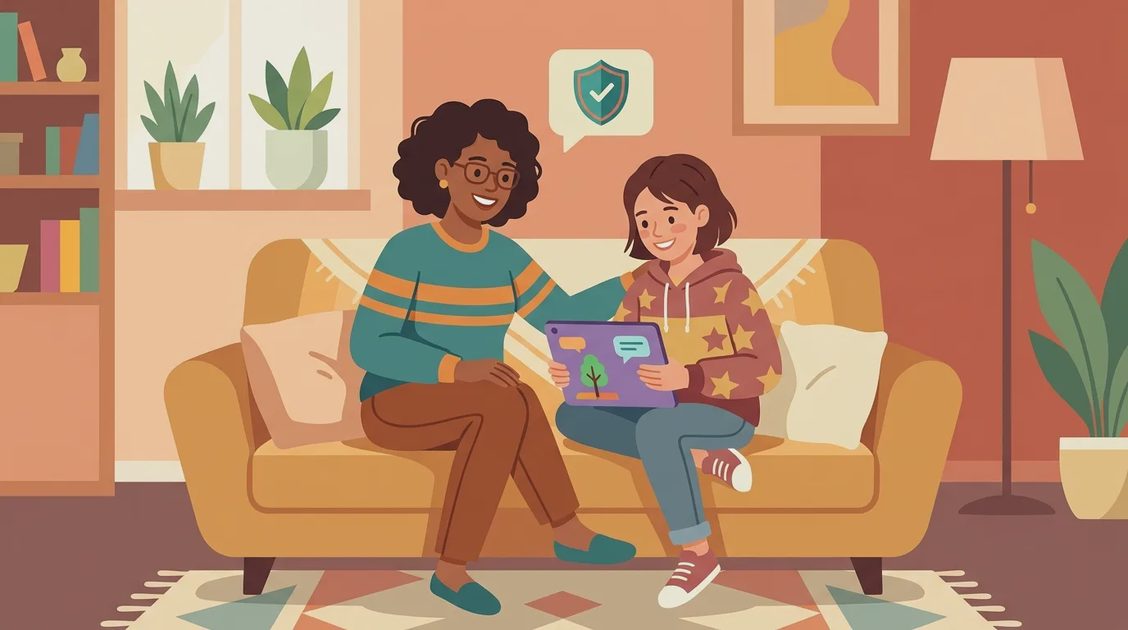
Rules work better when they explain the reason. Tell children that bypass sites can carry scams and harmful downloads, and that nobody will be punished for reporting a suspicious page quickly. Set age-appropriate limits with Apple Screen Time, Google Family Link, Microsoft Family Safety, or a router's built-in controls. Keep the controls visible enough that a child understands what is restricted and why.
For older relatives, focus on recognizable warning signs: a page demanding a download, a pop-up claiming the device is infected, a request for gift cards, or a prompt asking for a password. Write a short response plan and place it near the computer: close the page, do not call the displayed number, and contact a trusted family member.
The safest household approach is layered protection rather than one magic app. Block known risky destinations, limit administrator access, update every device, and create a judgment-free way to report mistakes. A porn proxy may promise access or privacy, but a few minutes of convenience can create hours of cleanup. Simple controls and calm guidance protect the family far more reliably.